


-
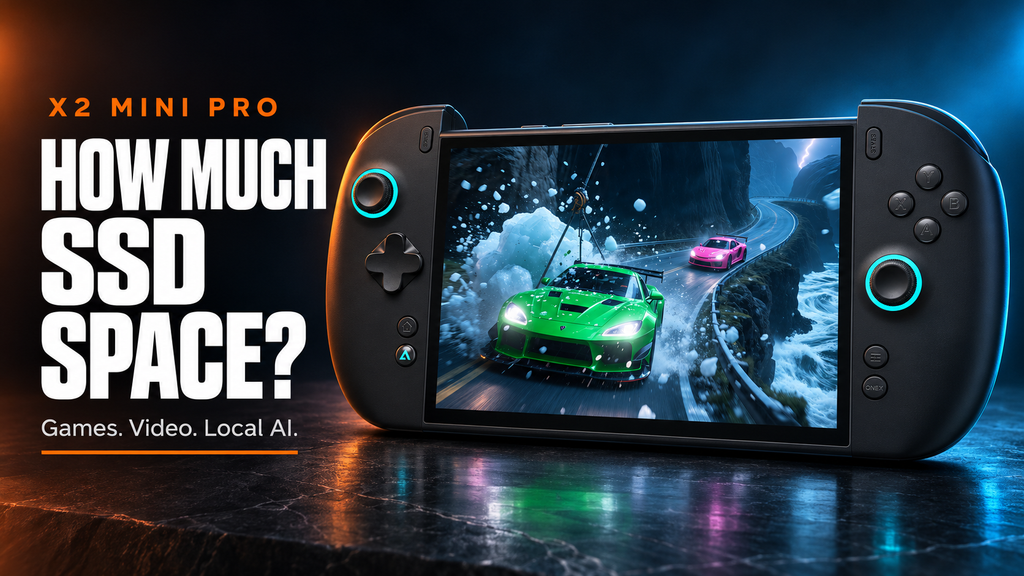
How Much SSD Space Do You Need for Games, Video Projects, and Local AI Models?
The right SSD capacity depends on what must remain available at the same time. Games, an active video project, and a local AI collection can each look manageable alone, then fill a portable PC when their working files overlap. Start with that busiest realistic week, include temporary workspace, and choose capacity with room left over. For X2 Mini Pro, the practical purchase decision is... -
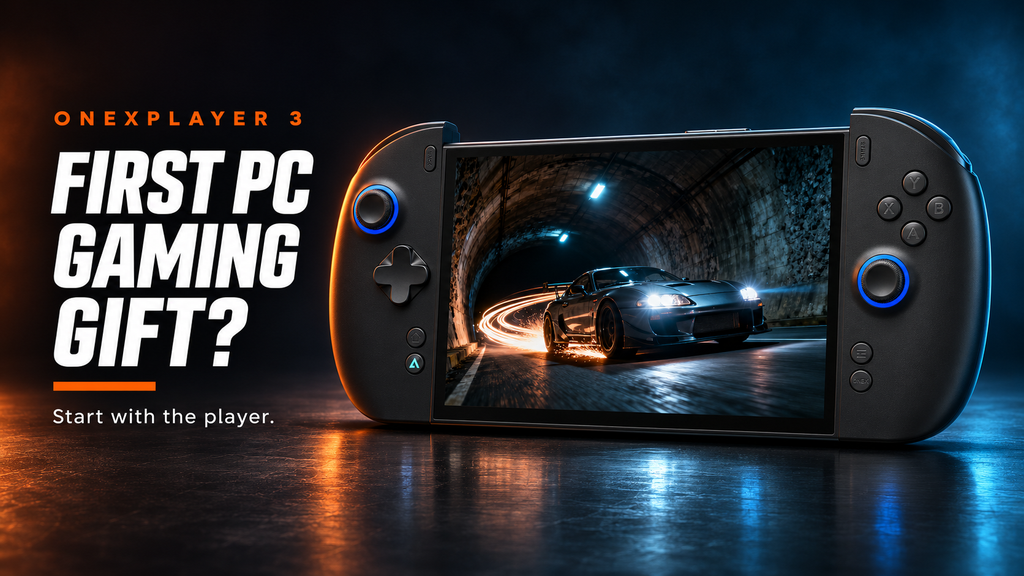
Is a Windows Handheld a Good Gift for a First-Time PC Gamer?
A first gaming PC is a good gift when the recipient wants the freedom it offers and has help with the first setup. A Windows handheld can be a particularly useful introduction for someone who likes controller-based play but also wants access to PC software. It works best when the buyer treats setup, game selection, and ongoing support as part of the present. ONEXPLAYER... -
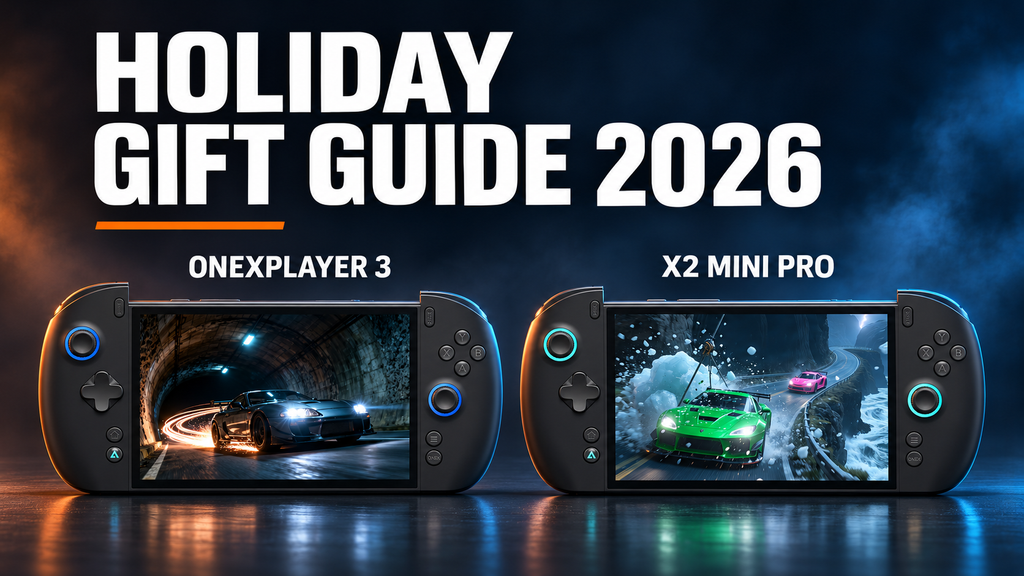
ONEXPLAYER Holiday Gift Guide 2026: Which Handheld Gaming PC Should You Choose?
A good gaming gift fits the way its recipient already plays. For the 2026 holidays, choosing between ONEXPLAYER 3 and X2 Mini Pro starts with their favorite games, the files they keep locally, and whether they want a portable PC for more than gaming. Both deserve consideration, but the right configuration matters more than choosing the longest specification list. This guide focuses on these... -
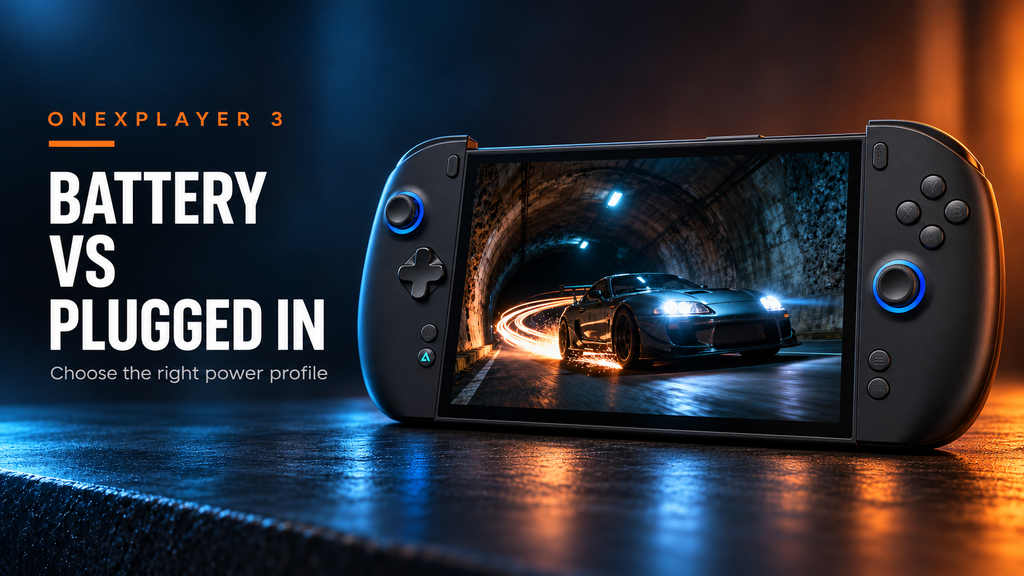
ONEXPLAYER 3 on Battery vs Plugged In: What Changes in Real Games?
Connecting a charger changes how long you can play without drawing down the battery, but it does not establish a fixed frame-rate boost. On the ONEXPLAYER 3, compare the active power limit, Windows power mode and game settings before attributing a change to the cable. The useful distinction is between an efficient portable profile and a higher-performance desk profile. Published game tests show how... -
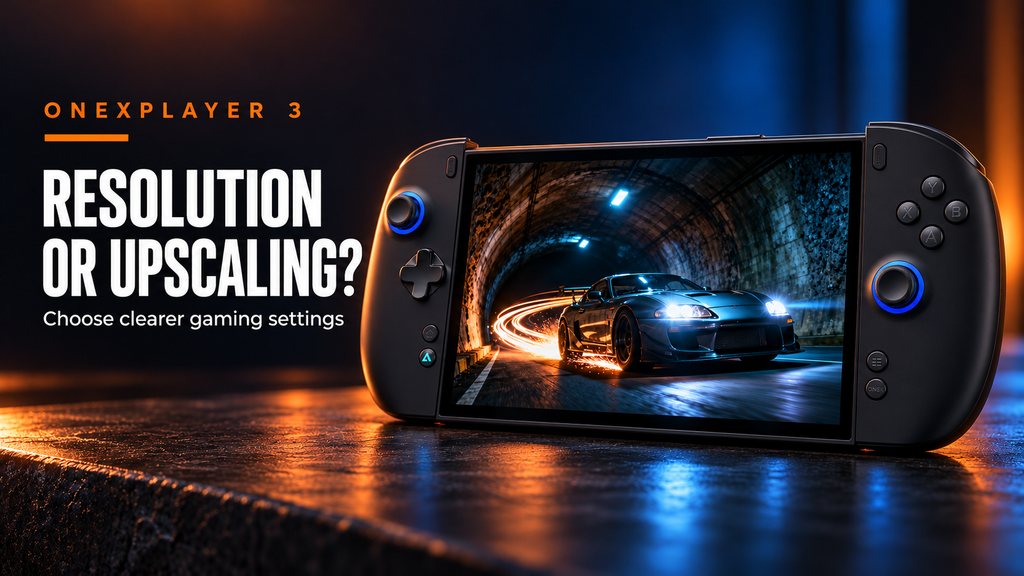
Resolution vs Upscaling on ONEXPLAYER 3: How to Choose Better Gaming Settings
A sharper image is useful only if the game still responds the way you want. On the ONEXPLAYER 3, the most useful starting point is the screen's native 1920 × 1200 output, followed by a deliberate choice between native rendering and in-game upscaling. Choose a frame-rate target first, then spend the available graphics budget on image quality. Separate the screen from the render resolution... -
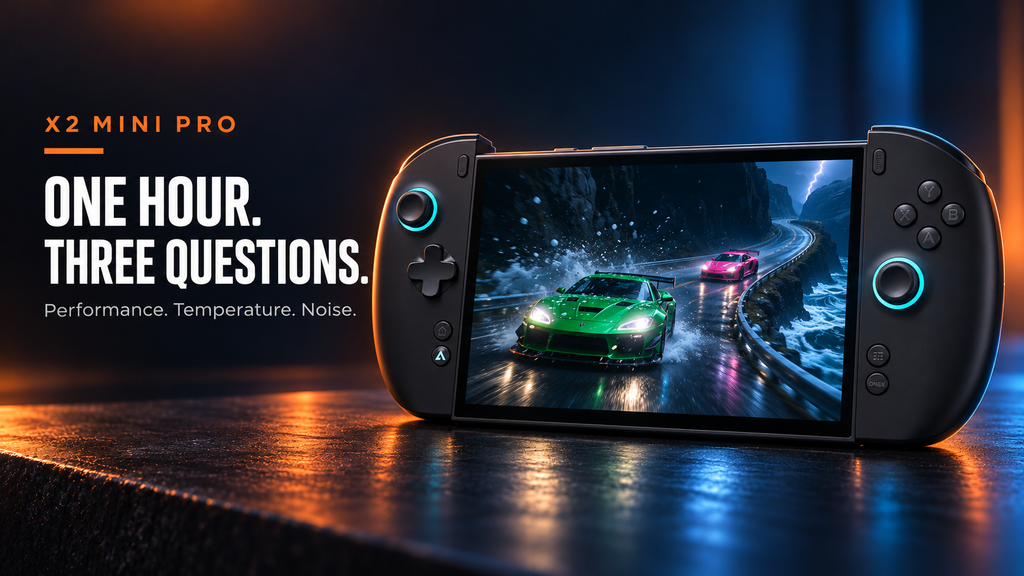
X2 Mini Pro After 60 Minutes of Gaming: Performance, Temperature, and Noise
An hour of gaming asks more of a handheld than a short benchmark does. For the X2 Mini Pro, the useful questions are whether frame delivery stays consistent, where heat collects and whether the fan setting remains comfortable for the room. Published reviews provide useful measurements, but they do not establish one universal result at minute 60. This article interprets those measurements for a... -
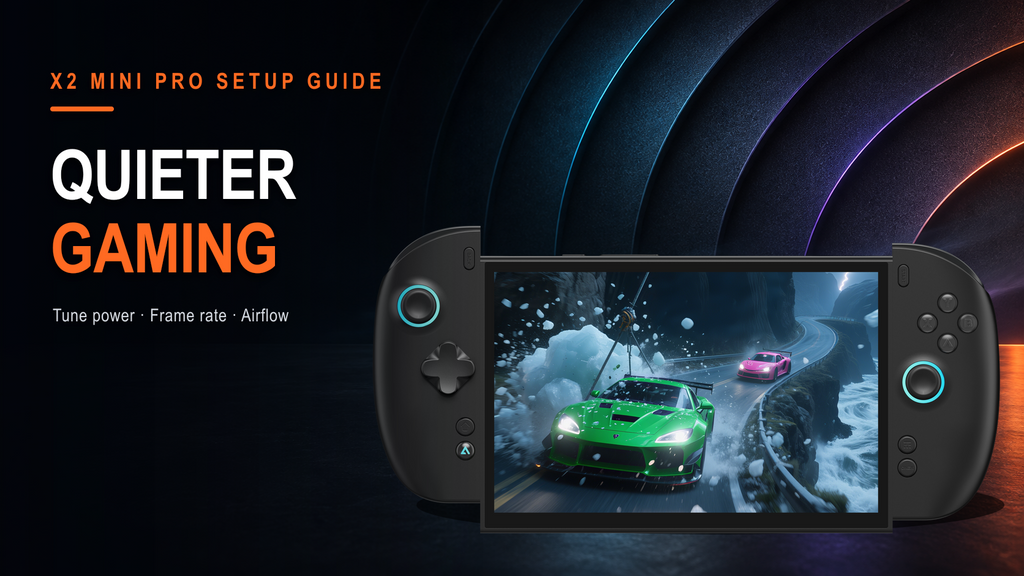
How to Find a Quieter Gaming Setup on X2 Mini Pro
Quiet gaming is a balancing problem, not a single switch. Fan noise follows the heat the cooling system must remove, while heat follows the game's load, the selected power profile, frame-rate target, display settings, and airflow around the device. X2 Mini Pro can be tuned for a calmer room without reducing every game to the lowest preset. The effective sequence is to choose a... -
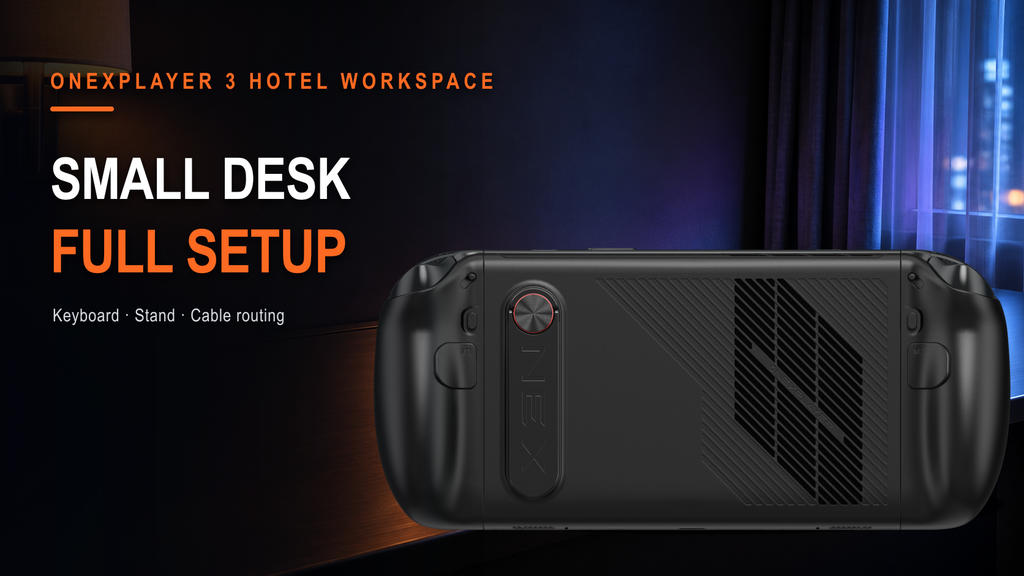
Using ONEXPLAYER 3 on a Small Hotel Desk: Keyboard, Stand, and Cable Setup
A cramped desk becomes workable when the screen, hands, and cables each have a defined zone. The common mistake is to unpack everything first, then try to recover space around a charger, hub, keyboard, controller, and room lamp. ONEXPLAYER 3 works better on a small hotel desk when the display position is fixed first, the keyboard stays close enough for short typing blocks, and... -
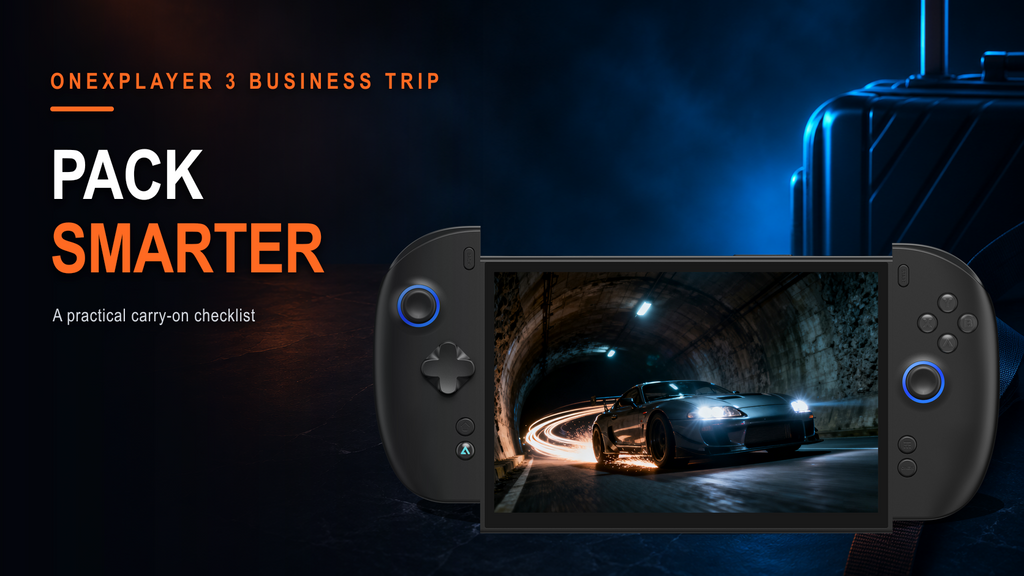
Packing an ONEXPLAYER 3 for a Business Trip: A Practical Carry-On Checklist
A light travel setup comes from removing duplicate functions, not from leaving essential gear behind. The most reliable packing method is to map each item to a job: protect the computer, power it, type comfortably, connect to a meeting-room display, and switch into gaming without rebuilding the bag. For an ONEXPLAYER 3 trip, that usually means one compact Windows system, its input accessories, one... -

ONEXPLAYER 3 or X2 Mini Pro for Travel? Screen Size, Text Readability, and Bag Space
Two travel handhelds can share the same 8.8-inch diagonal and still create different packing decisions. ONEXPLAYER 3 and X2 Mini Pro both support detachable controllers, keyboard-based productivity, and 144Hz variable refresh displays. The real choice is not which screen is larger. It is how each device handles text, power, performance, and the accessories that must share the bag. Choose ONEXPLAYER 3 for an efficient...
Recherches principales
Les plus populaires
40 reviews
$1,699.00
$1,549.00
12 reviews
$2,699.00
$2,499.00
No reviews
$2,199.00
$1,999.00

Recherches principales
Les plus populaires
40 reviews
$1,699.00
$1,549.00
12 reviews
$2,699.00
$2,499.00
No reviews
$2,199.00
$1,999.00
