


-

ONEXPLAYER 3 or X2 Mini Pro for Travel? Screen Size, Text Readability, and Bag Space
Two travel handhelds can share the same 8.8-inch diagonal and still create different packing decisions. ONEXPLAYER 3 and X2 Mini Pro both support detachable controllers, keyboard-based productivity, and 144Hz variable refresh displays. The real choice is not which screen is larger. It is how each device handles text, power, performance, and the accessories that must share the bag. Choose ONEXPLAYER 3 for an efficient... -

X2 Mini Pro Battery Life: Short Gaming Sessions vs Longer Play Sessions
Battery life is not one fixed number. A 25-minute commute, a two-hour evening session, and a full travel day place different demands on the same handheld. X2 Mini Pro is built around an 85Wh external, swappable battery, so the useful question is not only how long one charge lasts. It is how the player should balance power, display settings, and spare-battery planning for each... -

Remote Work on ONEXPLAYER 3: Video Calls, Documents, and Multitasking Tested
Remote work rarely fails because a computer cannot open a browser or a document. It fails when the screen, input devices, ports, and battery turn ordinary tasks into repeated setup work. ONEXPLAYER 3 has enough Windows performance for calls, office files, and several active applications, but its success as a remote-work machine depends on using the right physical mode for each task. The practical... -
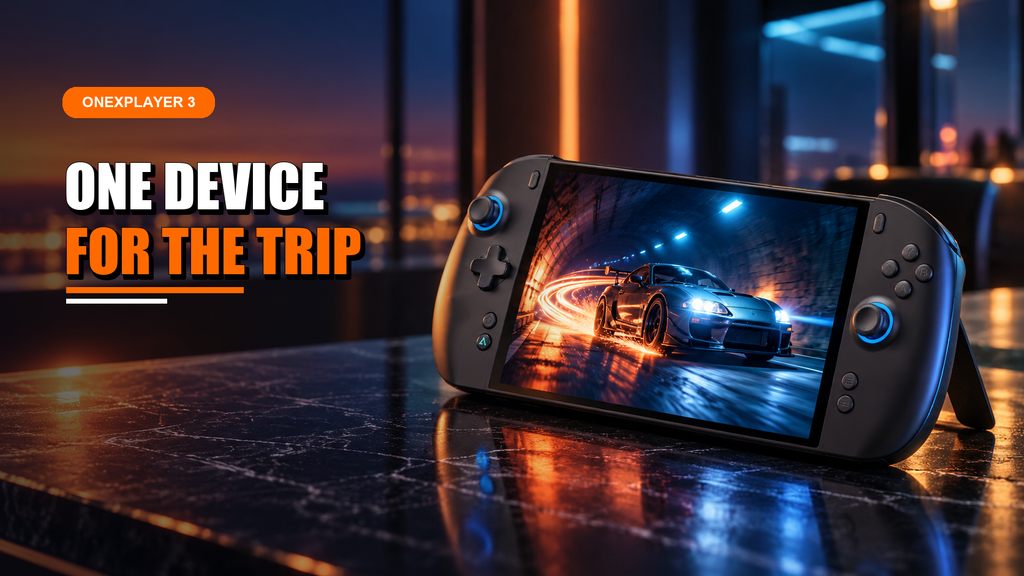
Can ONEXPLAYER 3 Replace a Handheld, Tablet, and Ultrabook on Business Trips?
Business travel punishes duplicate hardware. A laptop, gaming handheld, tablet, chargers, and controllers can turn a short trip into a cable-management exercise. The practical question is not whether one compact PC can imitate all three devices. It is whether it can cover the work, entertainment, and mobility jobs that actually occur between the airport, hotel, and meeting room. ONEXPLAYER 3 can replace a handheld,... -
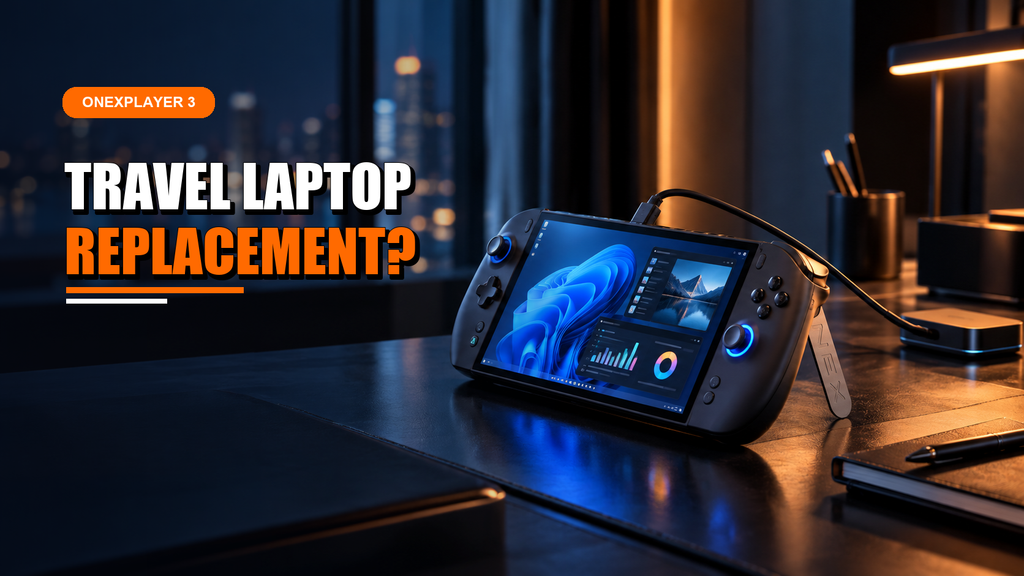
Can ONEXPLAYER 3 Replace Your Travel Laptop? Work, Gaming, and Battery Life Tested
A travel computer earns its place by handling the whole day, not by winning one benchmark. It must open the same documents as the office PC, survive a flight, connect to unfamiliar displays, and still be comfortable enough for the work waiting at the destination. Gaming is valuable only after those basics are covered. ONEXPLAYER 3 can replace a travel laptop for communication, browser-based... -
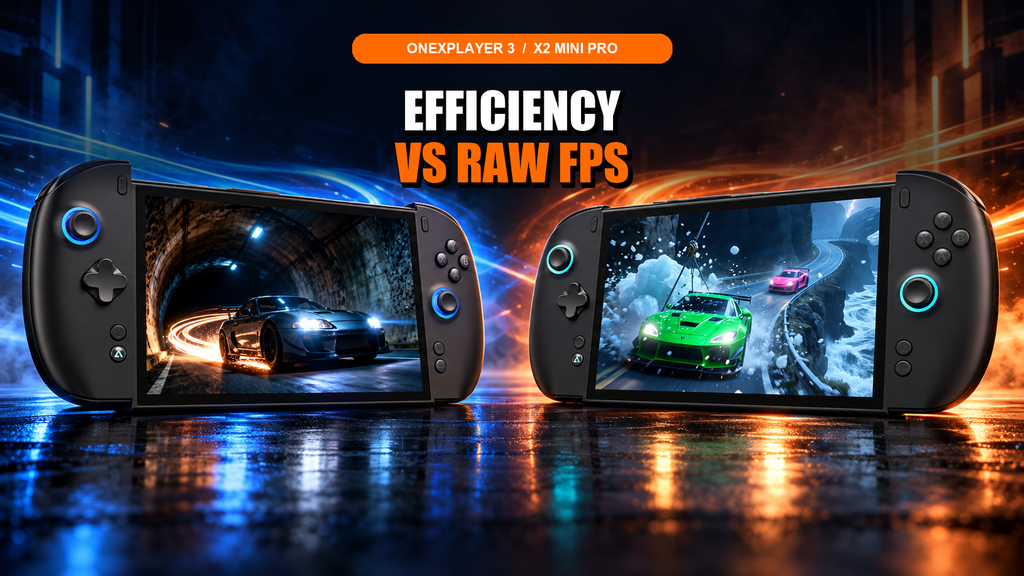
ONEXPLAYER 3 vs X2 Mini Pro: FPS, Battery Life, and Noise Tested at Different TDP Settings
Equal TDP does not always mean equal battery drain, cooling demand, or useful performance. The processor package receives the selected wattage, while the display, memory, storage, fans, and power-delivery losses add their own load. Comparing handhelds only at the same slider setting can therefore answer the wrong question. Cross-device testing shows a clear split. ONEXPLAYER 3 stays close at low power and uses less... -
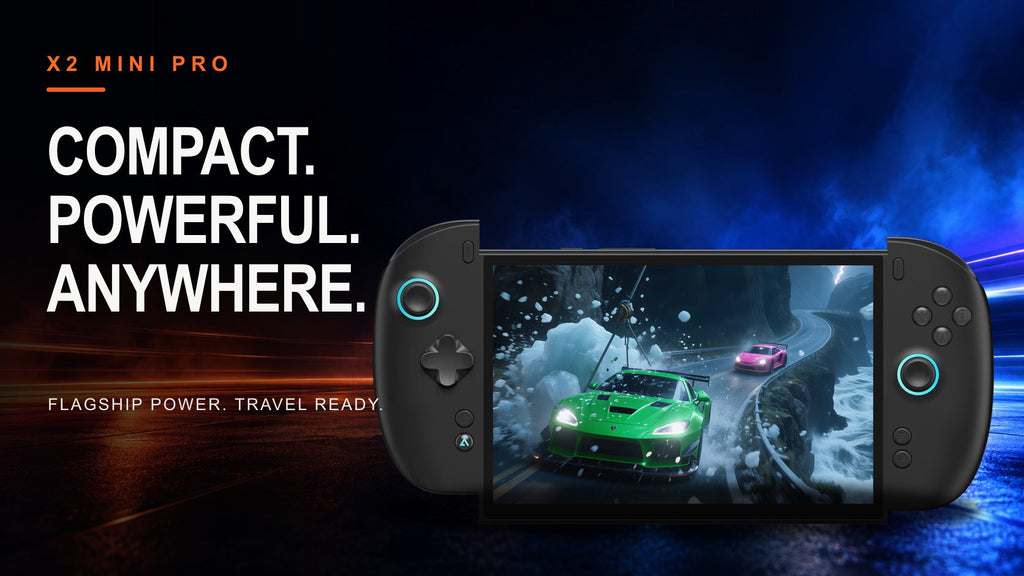
Best Compact High-Performance Handheld: Why X2 Mini Pro Is Built for Portability
Portable gaming hardware is most useful when it removes decisions from the day. It should fit the bag you already carry, move quickly between play and work, and still have enough graphics headroom to run the games you actually want. The X2 Mini Pro is built around that balance: compact enough for everyday travel, but designed as a high-performance Windows PC rather than a... -
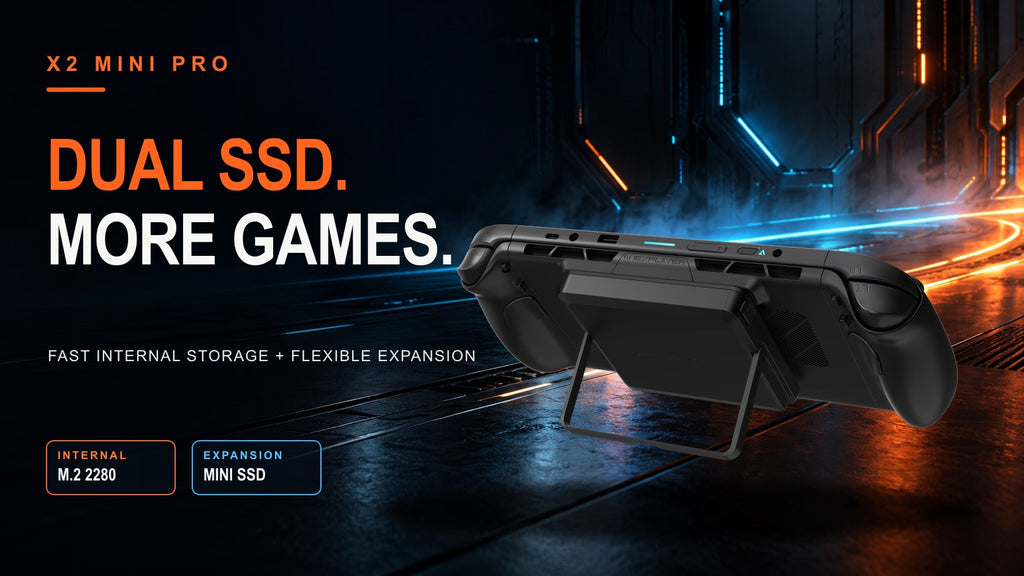
Running Out of Game Storage? X2 Mini Pro Dual-SSD Expansion Explained
Modern game libraries can consume a terabyte long before they feel complete. A few large releases, texture packs, recorded clips, and local creative files quickly turn storage management into a routine of uninstalling one thing to make room for another. A handheld intended to replace more than one PC needs a better answer than a single fixed drive. X2 Mini Pro addresses that problem... -
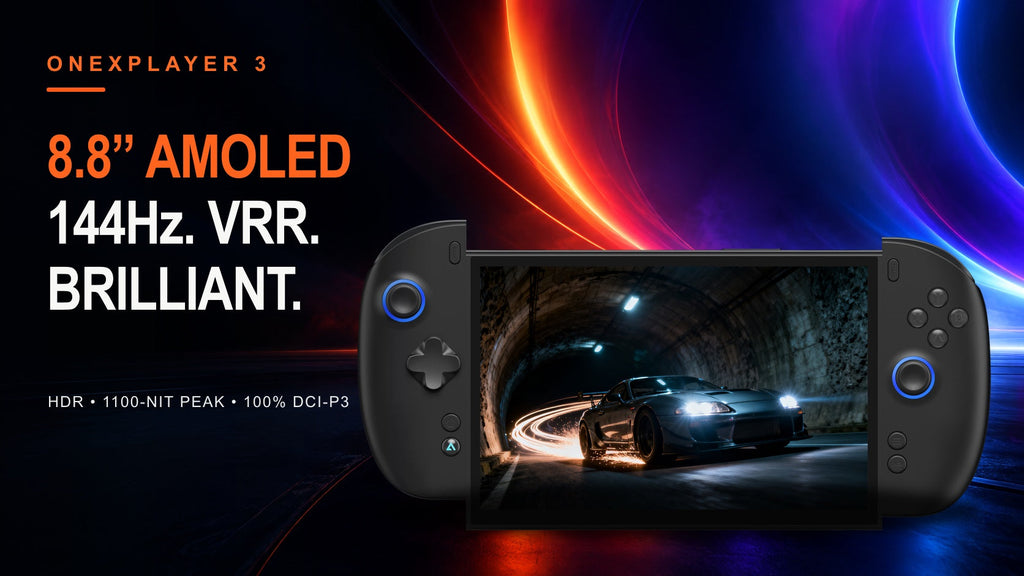
The 8.8-inch AMOLED Advantage: Inside the ONEXPLAYER 3 Display Experience
A handheld display has nowhere to hide. It sits close to the player, moves through bright and dark rooms, and must stay smooth while frame rate changes from one scene to the next. Resolution alone cannot solve those demands. Panel technology, refresh behavior, brightness, contrast, and orientation all shape the experience. The ONEXPLAYER 3 combines an 8.8-inch native-landscape AMOLED panel with a 1920 ×... -
Large-Screen Versatility or Compact Portability? ONEXPLAYER 3 vs. X2 Mini Pro
Both of these devices carry an 8.8" screen at 144Hz with VRR, so the choice between them was never going to come down to display size. It comes down to what each one asks you to prioritize once you're past the spec sheet: how the chip approaches performance, how the battery is built, and how far each one is willing to grow into a...
Top searches
Most popular
9 reviews
$2,699.00
$2,499.00
No reviews
$2,199.00
$1,999.00

Top searches
Most popular
9 reviews
$2,699.00
$2,499.00
No reviews
$2,199.00
$1,999.00


